 shinbo
Plans
Ready steps run together; dependencies wait.
Implement and test together; review both before returning the result.
A free, open-source meta-harness for your coding agents.
Free & open source · Mac & Windows.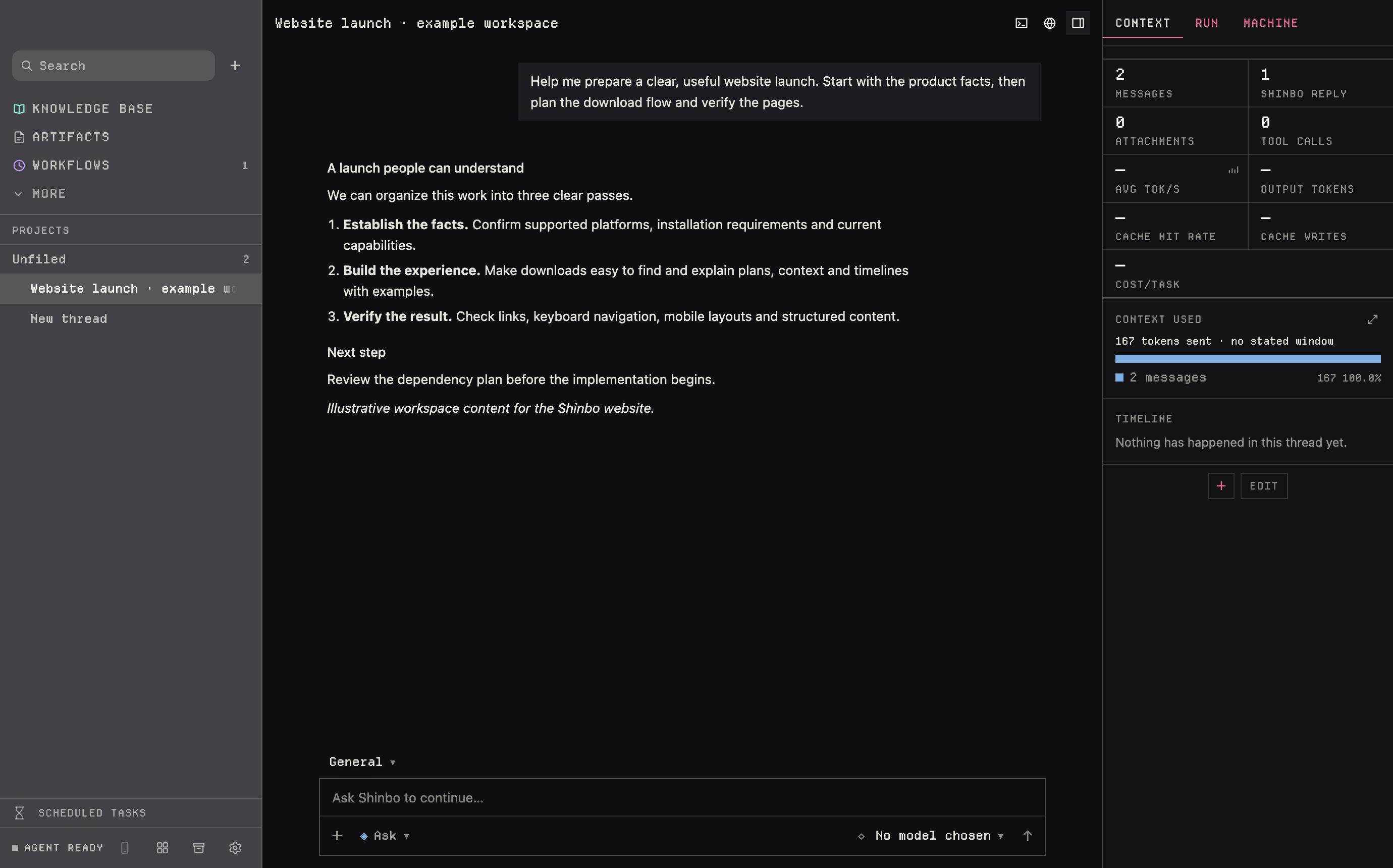
Models, subscriptions and local runtimes
 OpenAI
 Anthropic
 Gemini
 xAI
xAI Meta
Meta DeepSeek
 Qwen
Qwen Mistral
 Kimi
Kimi Z.ai / GLM
 Thinking Machines
 NVIDIA
 Cohere
 MiniMax
 ByteDance Seed
 Poolside
 Liquid AI
 ERNIE
ERNIE Hunyuan
 Xiaomi
 HyperCLOVA
 Sakana AI
 OpenRouter
 Claude subscription
 Cursor
 GitHub Copilot
 Windsurf
 Antigravity
Interactive examples, not live runs or benchmarks.
Ready steps run together; dependencies wait.
Implement and test together; review both before returning the result.
Summarize older context to make room.
Summarize 48k of earlier messages and results into an 8k handoff.
Summaries lose detail. Saved notes remain separate.
Select a span to inspect it.
Implements while another subagent reviews.
Spans overlap; durations don’t add up. Long traces may be shortened.
Ask, Accept edits, Auto or Full access. Access to other apps always needs approval.
Every write, command and click asks first. The default.
File writes and searches go through. Commands, the browser and the pointer still ask.
Everything runs on its own except ten prohibited actions, like deleting outside what you named or sending your data elsewhere. Anything that matches stops and asks you.
Every tool runs on its own except computer use, which always asks. Other apps still ask, and Escape still stops a run.
Inspect the evidence, ask Shinbo for a scoped change, and compare it on a replay before deciding to keep it.
How learning worksOn a cron schedule Shinbo runs a chain of agents, scripts and conditions. It must be open and the computer awake.
Run Claude Code, Codex and other CLIs in one thread.
Delegate work; inspect progress and results.
Run independent steps in parallel.
APIs, subscriptions, Ollama, LM Studio and llama.cpp.
Control edits, commands and app access.
Threads, goals, terminal, browser and artifacts. Quick Ask and voice on Mac.
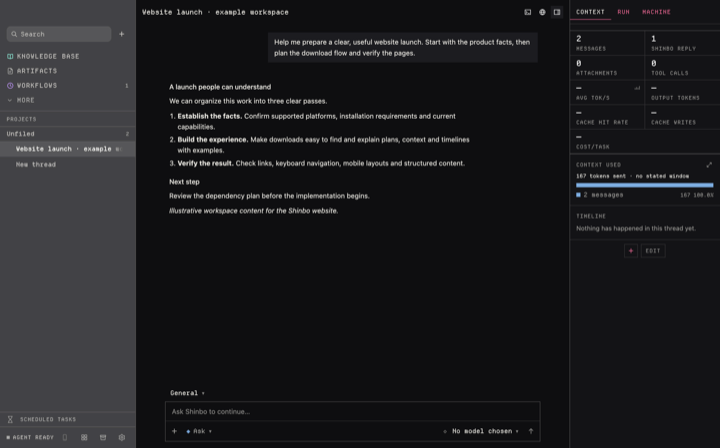
Keep Markdown notes in a folder or Obsidian vault.
Schedule agents, scripts and conditions.
Inspect failures, compare a repair, and decide what to keep.
Add MCP servers, skills, plugins and generated UI.
Select your operating system below.
Choose a downloadPublished installers are available for Apple silicon Macs and Windows x64.
Choose your system to see the right installer.
Direct downloads
v0.7.1 files use the former name, Emma. Release notes & checksums
Setup requires an OpenRouter key (a free key works), even with a subscription. Sign into your agent CLIs; providers bill separately. Setup guide
No Intel Mac or Linux installer. Mobile unreleased. Mac-only features may differ on Windows.
No. Setup requires an OpenRouter key; a free key works. Paid models and optional subscriptions bill separately.
Yes. Install and sign into supported agent CLIs, then use them from Shinbo. Provider access and usage limits still apply.
Local models are supported, but setup, secondary models, web tools and integrations may still need the internet.
Threads, plans, traces and notes stay on your computer. Prompts, relevant history and tool results are sent to your selected model service; integrations use their configured services.


 Obsidian